
New QR Code Type: Survey
Published on Jan 23, 2026
We're excited to introduce our newest QR code type: Survey. Collect feedback, opinions, and data directly from your audience with a simple scan.
What is a Survey QR Code?
A Survey QR code links to a customizable survey page hosted on Twilee. When scanned, users can answer your questions directly on their phone — no app download required.
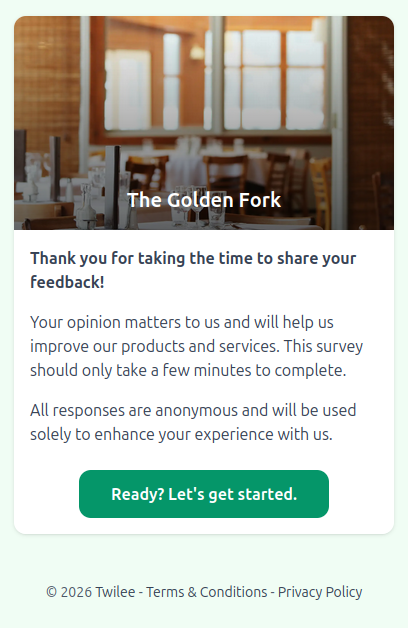
Key Features
- Multiple question types: Single choice, multiple choice, free text, and rating scales
- Brand customization: Match your brand with custom colors and upload your own logo or header image
- Real-time responses: View results as they come in
- Export data: Download responses as CSV or Excel files
- Mobile-friendly: Surveys look great on any device
Use Cases
- Customer satisfaction surveys
- Event feedback forms
- Product reviews
- Employee surveys
- Market research
- Restaurant feedback cards
Make It Yours
Customize every aspect of your survey page to reflect your brand identity. Choose your primary and background colors, upload a custom image or logo, and select from different page templates. Your surveys will look like a natural extension of your brand.
How It Works
- Create your survey with our drag-and-drop builder
- Customize colors and upload your logo
- Generate and download your QR code
- Print it on receipts, posters, or packaging
- Collect and analyze responses in your dashboard
Get Started
Ready to collect feedback? Create your first Survey QR code today.
Survey QR codes are available on all Twilee plans.