New QR Code type: Photo Gallery
Published on Feb 25, 2026
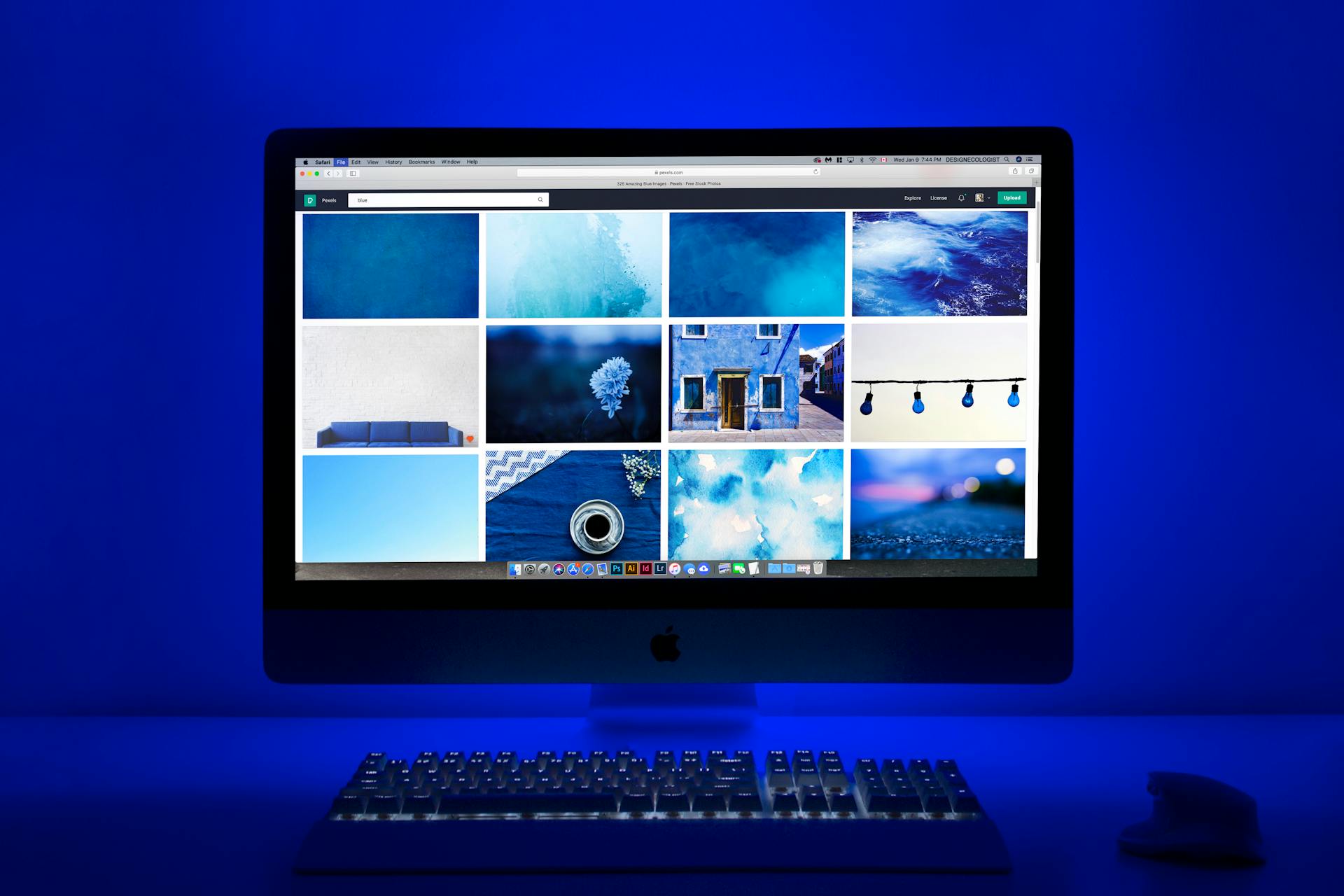
We're excited to introduce our newest QR code type: Photo Gallery. Share stunning visual content with your audience through a beautiful, mobile-friendly gallery page accessible with a single scan.
What is a Photo Gallery QR Code?
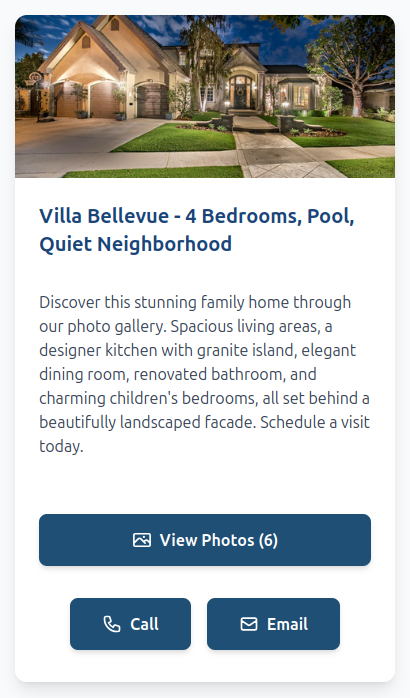
A Photo Gallery QR code links to a hosted page on Twilee that showcases up to 30 photos in a polished, responsive gallery. When scanned, visitors can browse your images, read captions, and contact you directly, all from their phone with no app required.
Watch It in Action
Key Features
- Up to 30 photos per gallery -- Upload high-resolution images and organize them exactly how you want with drag-and-drop reordering.
- Photo captions -- Add context to each image with individual captions that appear directly in the gallery.
- CDN-powered delivery -- Your photos load fast worldwide, ensuring a smooth browsing experience on any device.
- Brand customization -- Match your brand with custom colors, a header image, and rich text descriptions using Markdown formatting.
- Built-in contact buttons -- Let visitors call or email you directly from the gallery page with one tap.
- Editable anytime -- Swap photos, update captions, or rearrange the order without reprinting your QR code.
- Scan analytics -- Track how many people view your gallery and where they're scanning from.
Use Cases
- Real estate -- Showcase property photos on listing signs, flyers, or brochures. Buyers scan and instantly browse every room.
- Museums & exhibitions -- Place QR codes next to artworks so visitors can explore high-resolution details, restoration photos, or related pieces.
- Auto dealerships -- Stick a QR code on the windshield and let buyers swipe through interior shots, engine details, and feature highlights.
- Local government & events -- Share photo recaps of festivals, inaugurations, or community gatherings on posters and municipal communications.
- Restaurants & hotels -- Display your space, dishes, or amenities in a gallery linked from menus, table cards, or lobby signage.
- Construction & architecture -- Document project progress and share visual updates with clients through a scannable code on-site.
How It Works
- Select Photo Gallery as your QR code type in the dashboard
- Upload your photos (up to 30), add captions, and reorder with drag-and-drop
- Customize your page colors, header image, and description-
- Generate and download your branded QR code
- Print it anywhere and start sharing your gallery
Get Started
Ready to turn a QR code into a visual showcase? Create your first Photo Gallery QR code today.
Create your Photo Gallery QR code →
Photo Gallery QR codes are available on all Twilee plans.