Restaurants & Cafes
Collect feedback on food quality, service, and atmosphere with table tent QR codes.
Create interactive surveys with multiple question types. Customers scan, answer, and you get real-time results with powerful analytics and export options.
Build surveys with the right question format for the data you need to collect.
Radio button questions where respondents select one option from a list.
Checkbox questions allowing multiple selections from available options.
Star ratings or numeric scales to measure satisfaction and opinions.
Open-ended questions for detailed feedback and suggestions.
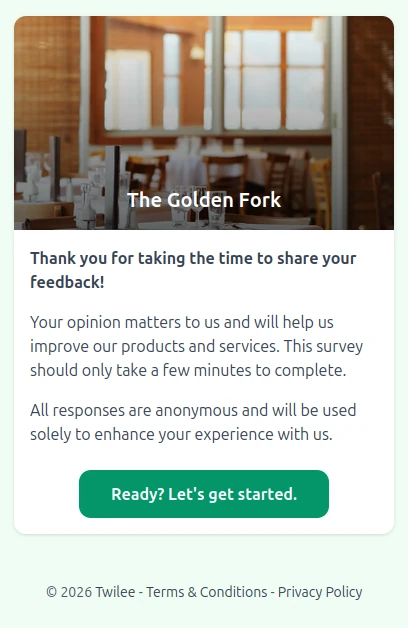
Surveys look great on any device and guide respondents through questions one at a time.
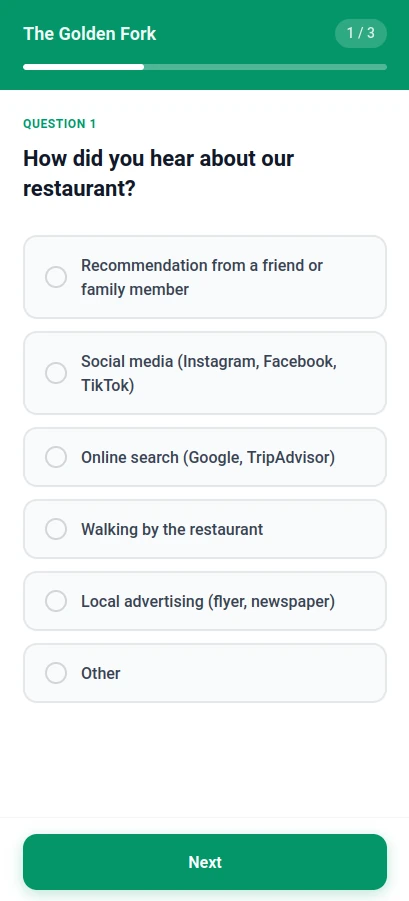
Single Choice
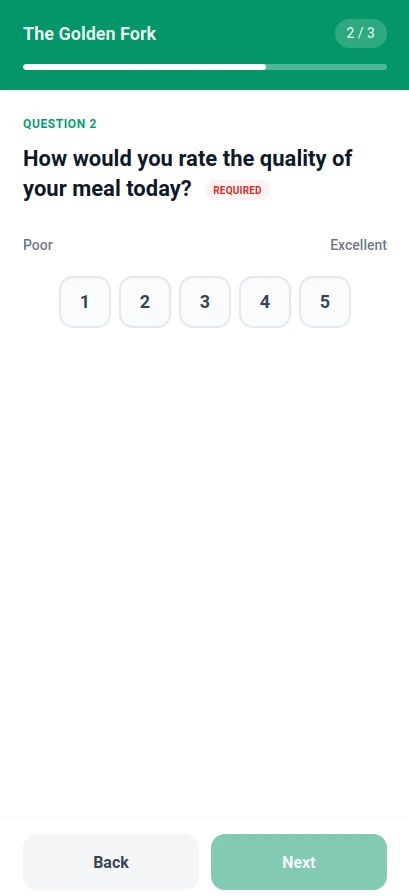
Rating Scale
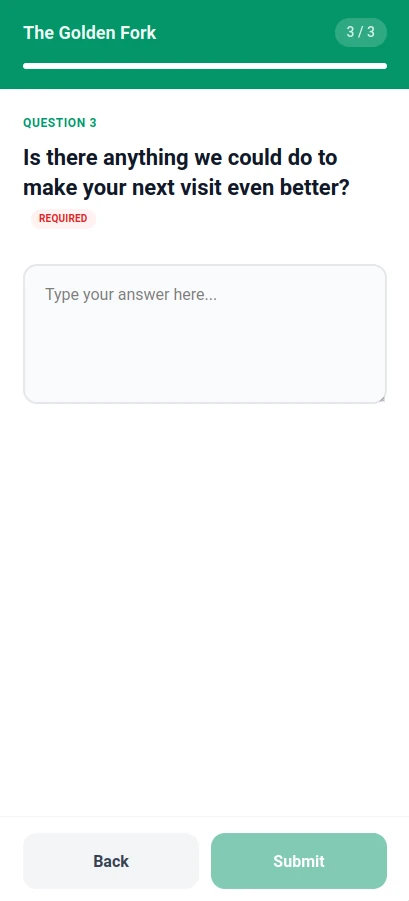
Free Text
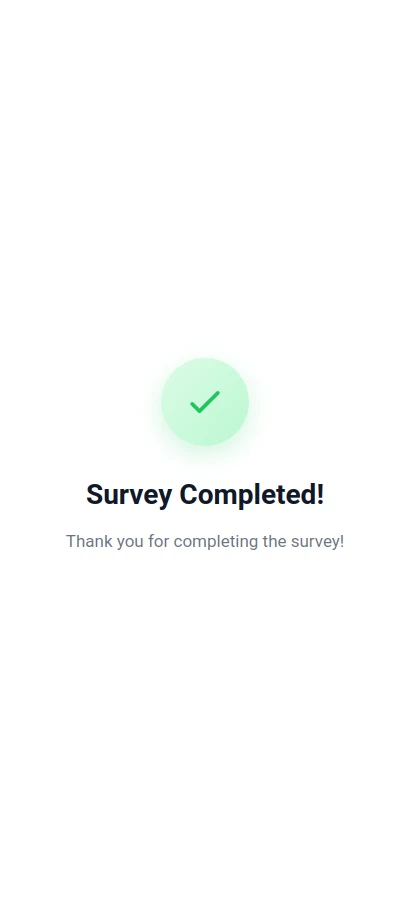
Thank You Screen
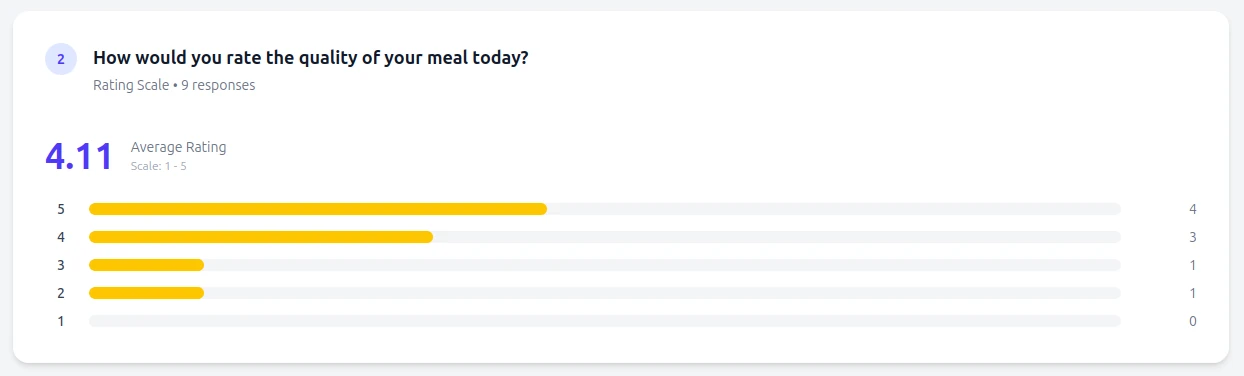
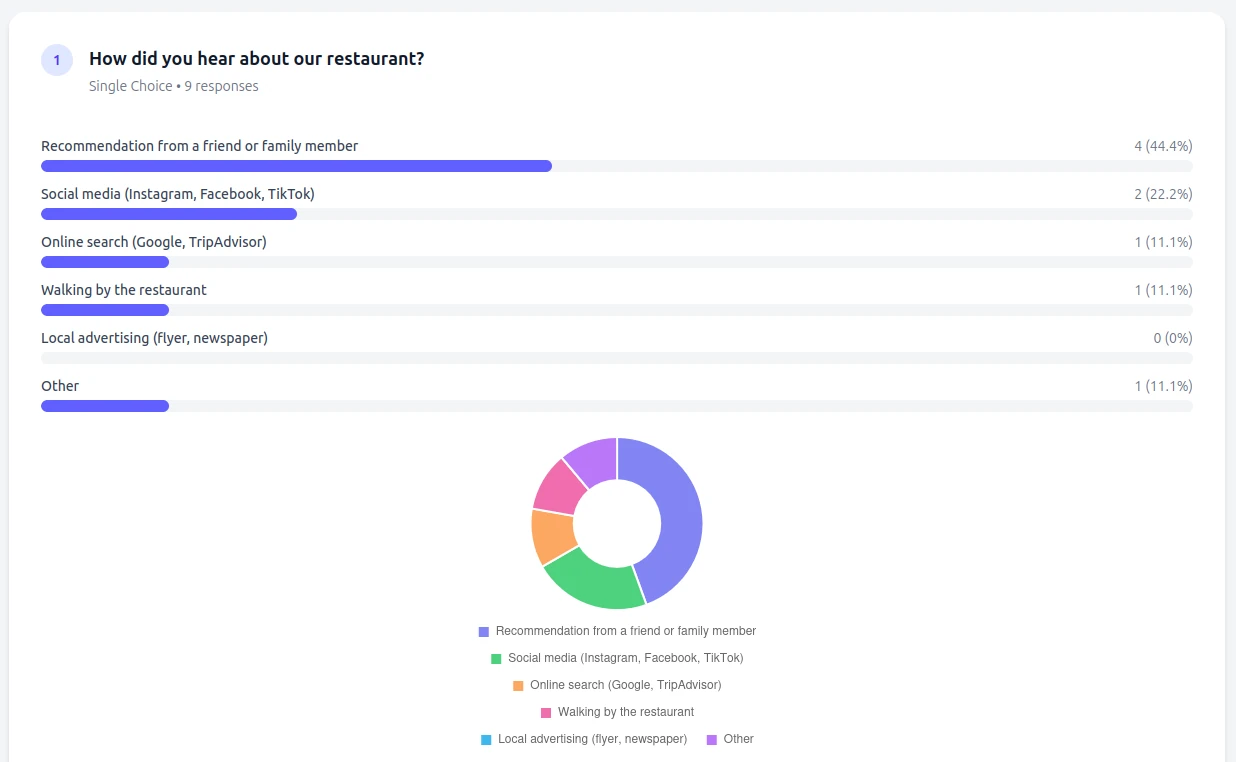
Watch responses come in live. Visualize data with charts and export everything for deeper analysis.
Live response tracking
See new responses appear instantly in your dashboard.
Visual analytics
Beautiful charts for rating distributions and choice breakdowns.
Export to CSV/Excel
Download all responses for analysis in spreadsheets or BI tools.
From restaurants to healthcare, surveys help you understand your customers better.
Collect feedback on food quality, service, and atmosphere with table tent QR codes.
Gather attendee feedback on sessions, speakers, and overall experience.
Understand customer satisfaction and product preferences at point of sale.
Get guest feedback on rooms, amenities, and staff service.
Collect patient satisfaction surveys and appointment feedback.
Course evaluations, student feedback, and campus surveys.
Add a QR code to your slides and collect instant audience feedback after your talk.
Four simple steps to start collecting feedback.
Choose question types and write your questions. Add as many as you need.
Add your branding, customize colors, and set a thank you message.
Get a branded QR code that links directly to your survey.
Print your QR code and start collecting feedback instantly.
Powerful survey features without the complexity.
Single choice, multiple choice, rating scales, and free text questions to capture any type of feedback.
Watch responses come in live with automatic chart generation and response summaries.
Export all responses to CSV or Excel for further analysis in your favorite tools.
Add your logo, choose colors, and create surveys that match your brand identity.
Create surveys with the free plan. Unlock unlimited responses and exports on paid plans.
Answers to common questions about Survey QR codes.
Twilee surveys support single choice (radio buttons), multiple choice (checkboxes), rating scales (1-5 or 1-10), and free text responses.
Free plans include a response limit. Paid plans offer unlimited responses with full analytics.
Yes. Export all responses to CSV or Excel format for analysis in spreadsheets or BI tools.
Yes. Update questions anytime without changing the QR code. Previous responses are preserved.