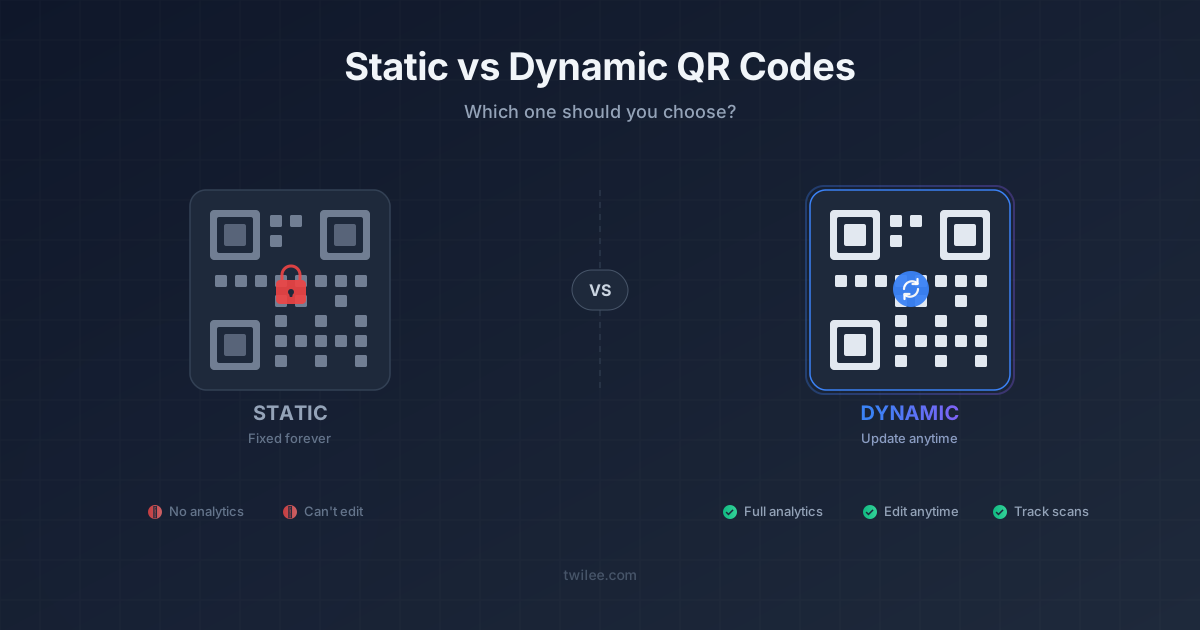
Static vs Dynamic QR Codes: Which One Should You Print?
A QR code is a pattern that stores a short piece of text, usually a web address. Static or dynamic depends on which address goes into that pattern, and that choice decides what you can still do once the code is printed.
What a static QR code stores
A static code stores the final destination itself: your website's address, a Wi-Fi password, a phone number. The phone reads it and acts on it directly, with nobody in between.
That has real advantages. It's free, it needs no account, and it keeps working for as long as the destination exists. For the Wi-Fi password on the fridge or a link that will never move, it's the right tool. You can make one with our free static generator or the Wi-Fi QR code generator.
The limits show up after printing. The destination can't be edited, so a typo, a new domain or a seasonal change means a new code and a new print run. Nobody counts the scans, so you can't tell a poster that works from one that doesn't. And the more text you store, the denser the pattern gets, which makes long addresses harder to scan at small sizes.
What a dynamic QR code stores
A dynamic code stores a short address that belongs to the service you created it with. When someone scans it, that address redirects to the destination you've set in your account. The printed pattern never changes. What sits behind it can change as often as you like.
Three things follow from that one detour.
You can edit after printing. The menu changes, the campaign ends, the brochure gets a new edition: you update the destination and every printed copy follows.
Scans get counted. Each one is recorded with its date, its country and the type of device, so the flyer and the window sticker can finally be compared. Scan tracking shows the detail.
And the destination doesn't have to be a website. Since the code only holds a redirect, it can open a PDF, an audio file, a photo gallery, a survey or a small hosted page, none of which would fit inside a static pattern. The list of QR code types shows what's available.
The price is dependence. A dynamic code works for as long as the service behind it does and your plan covers it. On Twilee's free plan, a code stops redirecting after 500 scans; paid plans don't cap scans. Pick the provider the way you'd pick a host for your website, because that's what it is.
Side by side
| Static | Dynamic | |
|---|---|---|
| What the pattern stores | The destination itself | A short redirect |
| Edit after printing | No | Yes |
| Scan statistics | No | Yes |
| PDF, audio, gallery, survey, hosted page | No | Yes |
| Needs an account | No | Yes |
| Depends on a provider | No | Yes |
| Cost on Twilee | Free | Free for 1 code and 500 scans, then paid |
How to choose
Ask one question before you print: could any of this change?
If the answer is a firm no, and you don't care how often the code is scanned, go static. Home Wi-Fi, a link on a slide you'll show once, a phone number.
If the code goes on anything that costs money to reprint, go dynamic. Menus, packaging, storefront stickers, business cards, flyers, product labels. The print run will outlive the first version of whatever it points to. Restaurants are the clearest case: a QR code menu is a dynamic code with a PDF behind it, set up as described in how to create a QR code for a PDF.
Regrets mostly go one way. People who printed a dynamic code rarely wish they hadn't. People who printed a static one find out the day the link changes.