URL, E-mail, Call, SMS, vCard, File upload, Event, Text, Links, Audio, Mobile app, Lost & Found, Business, Survey and Photo Gallery
Available QR code types
Instantly link users to websites with a simple scan.
A URL QR code is the quickest way to guide your audience to any website, landing page, or online content. Whether it’s for promoting a product, sharing a blog, or directing customers to an event registration page, one scan makes access effortless. Say goodbye to typing long URLs and enhance your user experience by delivering information seamlessly.
Key highlights
- Share your social profiles
- Use URL QR codes to link directly to Instagram, Facebook, LinkedIn, TikTok, or any other social platform so followers can connect with you instantly.
- Dynamic URLs
- Dynamic URLs let you refresh campaigns instantly while keeping the same printed code.
- Analytics ready
- Track scans, locations, and devices to see how your redirects perform over time.
Simplify email communication with prefilled email templates.
With Email QR codes, users can instantly send preformatted emails by scanning the code. You can preset a recipient, subject line, and even the body text, making this tool ideal for customer inquiries, event RSVPs, or feedback collection. Eliminate barriers and make communication easier for your audience.
Prefilled template
- Subject
- “Hi there! I just scanned your QR code and would love to learn more.”
- Body
- Scanning opens the email client ready to send, no manual typing required.
Let users call you directly with one quick scan.
Simplify communication with TEL QR codes that let users call you instantly by scanning the code. No need to dial numbers manually, perfect for customer service hotlines, appointment booking, or business inquiries. It’s a frictionless solution for boosting engagement and making your contact information always accessible.
What happens after a scan
- Instant dialer launch
- Your business number opens in the caller’s phone immediately.
- Pre-qualified intent
- Every call starts with a scan, so you know they’re ready to talk.
- Seamless follow-up
- Log call outcomes inside Twilee without manual entry.
Enable users to send predefined SMS messages with a single scan.
SMS QR codes allow users to send text messages instantly without typing. Predefine the recipient’s phone number and a custom message to make communication fast and efficient. Use it to simplify support requests, feedback collection, or promotional opt-ins. Scanning the code instantly opens the messaging app and gets the conversation started.
Why it works
- Prefilled message
- Scan triggers the SMS app with your copy already typed out.
- Dynamic routing
- Change the recipient number anytime from your dashboard.
- Conversion tracking
- See how many scans lead to actual responses.
Share your contact details in just one scan.
Make networking effortless with vCard QR codes. These codes allow users to save your name, phone number, email address, and more directly to their phones. Whether for business cards, event badges, or marketing materials, you’ll leave a lasting impression by eliminating the need for manual data entry.
What gets saved
- Contact identity
- Name, role and company name all embedded into the QR.
- Phone & email
- Instantly stored in the user’s address book, no typing required.
- Links & socials
- Add portfolio URLs or social profiles so new contacts stay connected.
Share downloadable files directly through QR codes.
With Upload File QR codes, you can share any type of file (PDFs, images, documents, or presentations) instantly. Ideal for distributing product manuals, event flyers, menus, or digital brochures, these codes make accessing your resources easier than ever. Users can scan, download, and save your content in seconds.
Key features
- Version control
- Replace files without updating your printed materials.
- Security
- Hot linking is protected thanks to signed URLs.
- Insights
- Monitor downloads and see which assets drive engagement.
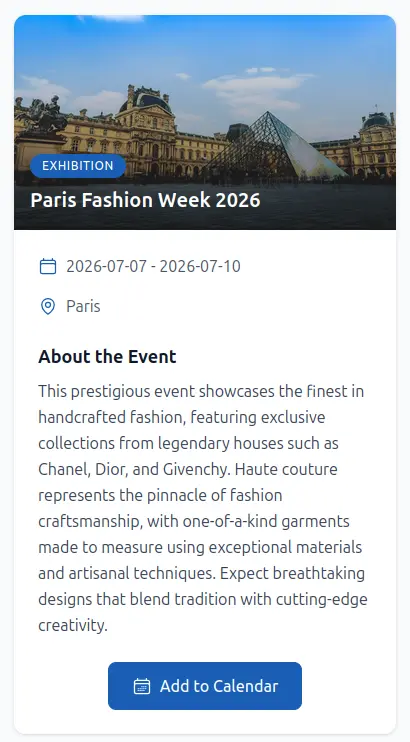
Share an event and allow users to add it into their calendar.
Create a QR code that leads to a fully customizable event page, allowing attendees to view all the event details at a glance. With just one scan, users can access the event page and easily add it to their calendar for effortless scheduling and reminders.
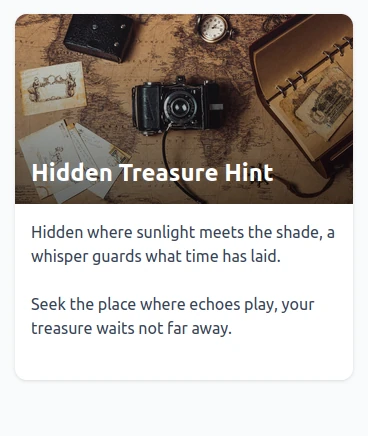
Share simple messages or important information with a quick scan.
Text QR codes display a short message in the browser after scanning. An internet connection is required to load the content, making them ideal for quotes, instructions, disclaimers, or vital details when connectivity is available.
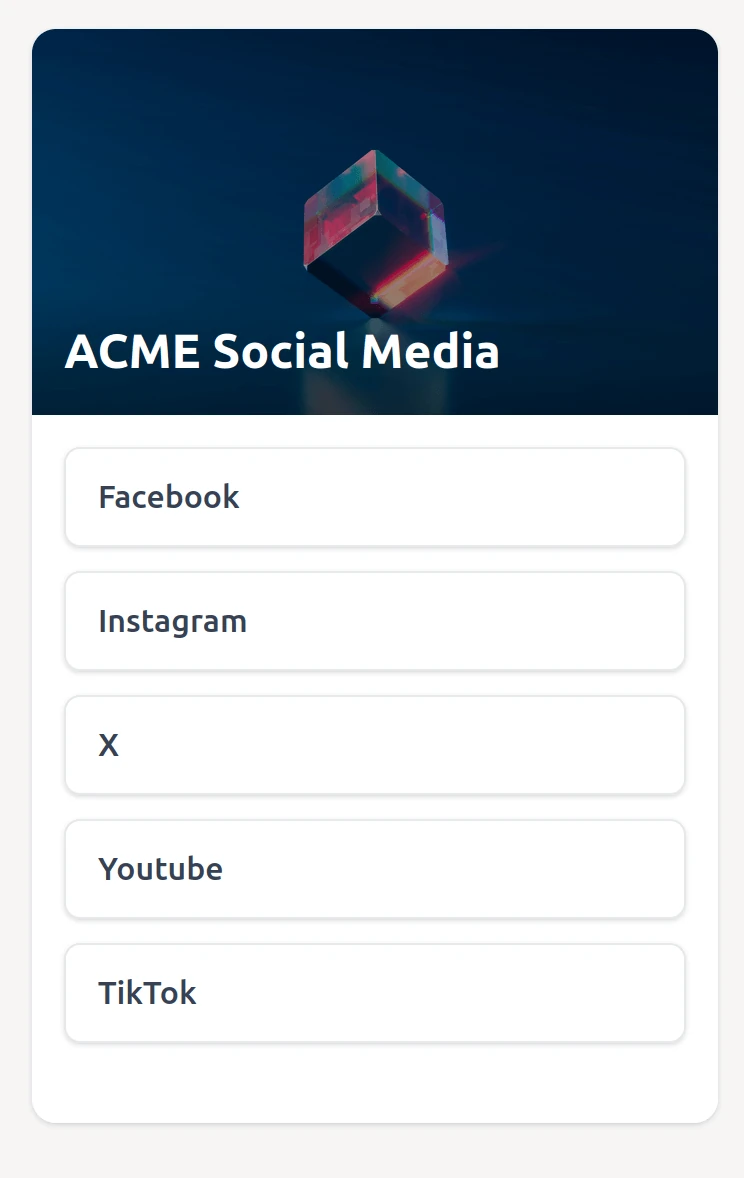
Curate a single landing page with all your important links.
Links QR codes point to a customizable landing page where you can gather social profiles, booking pages, ticket sales, and more. Give your audience an easy way to find everything about you or your business in one place, perfect for artists, bands, freelancers, and local businesses.
Let people listen to your message straight from a scan.
Audio QR codes allow you to upload an audio file that plays instantly when scanned. Share welcome messages, product demos, guided tours, or any sound experience without forcing users to download apps or search for links.
Audio experience
- Instant playback
- Scanning the QR code streams your audio instantly, perfect for tours, podcasts, or product explainers.
- Easy updates
- Replace audio files anytime without reprinting the QR code.
- Track engagement
- Monitor listens and see which chapters perform best.
Direct users to your app on the right store for their device.
Mobile app QR codes automatically detect the user's device and redirect them to the appropriate app store. Add your iOS App Store URL and Google Play Store URL, and let the QR code handle the rest. Perfect for promoting your app, driving downloads, and providing a seamless cross-platform experience.
How it works
- Add your app store URLs
- Configure both iOS App Store and Google Play Store links in your QR code settings.
- User scans the code
- The system automatically detects whether they're using an iOS or Android device.
- Instant redirect
- Users are sent directly to the appropriate store to download your app.
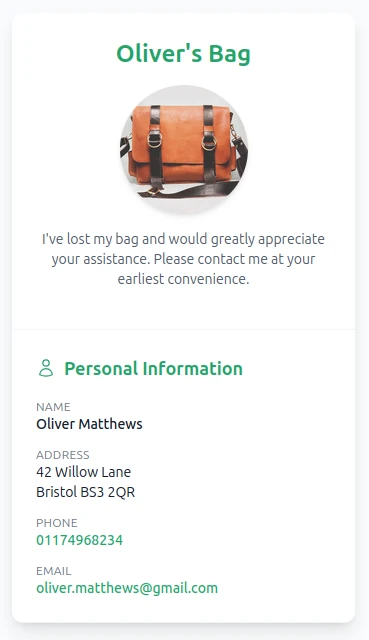
Help reunite lost items with their owners instantly.
Lost & Found QR codes attach to pets, luggage, medical equipment, or personal belongings to provide instant contact between finders and owners. Create a privacy-focused information page with emergency details, custom fields, and contact options, all updateable anytime without reprinting the QR code.
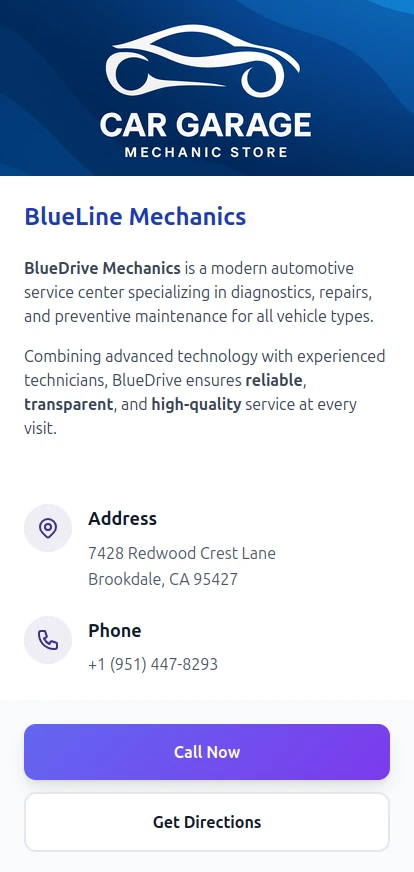
Create professional business pages in seconds.
Business QR codes link to beautiful hosted pages featuring your company logo, contact information, business hours, location, and social links. Perfect for storefronts, restaurants, service providers, and professionals who want a quick, branded online presence.
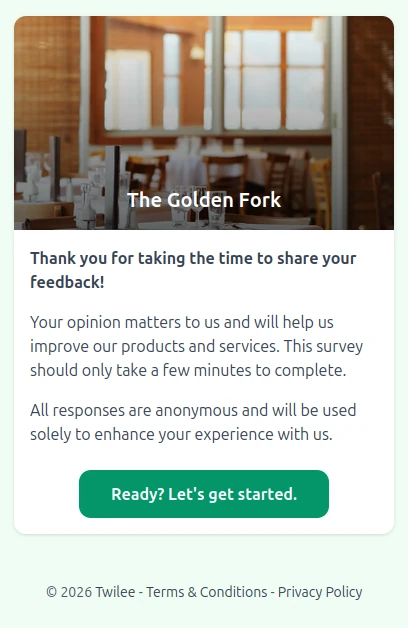
Collect feedback with customizable surveys.
Survey QR codes let you create interactive surveys with multiple question types including single choice, multiple choice, rating scales, and free text. View responses in real-time, analyze results with visual charts, and export data to CSV or Excel for further analysis.
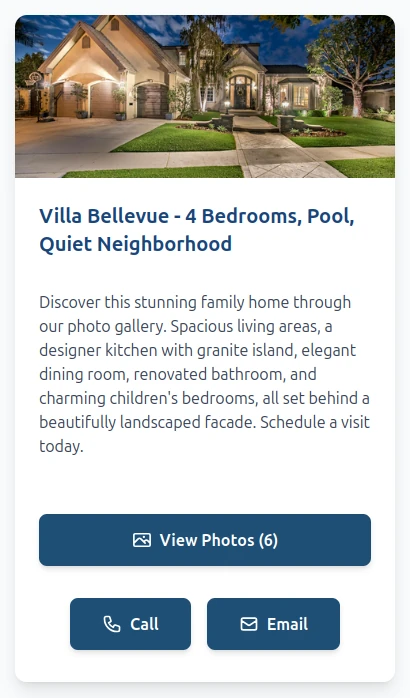
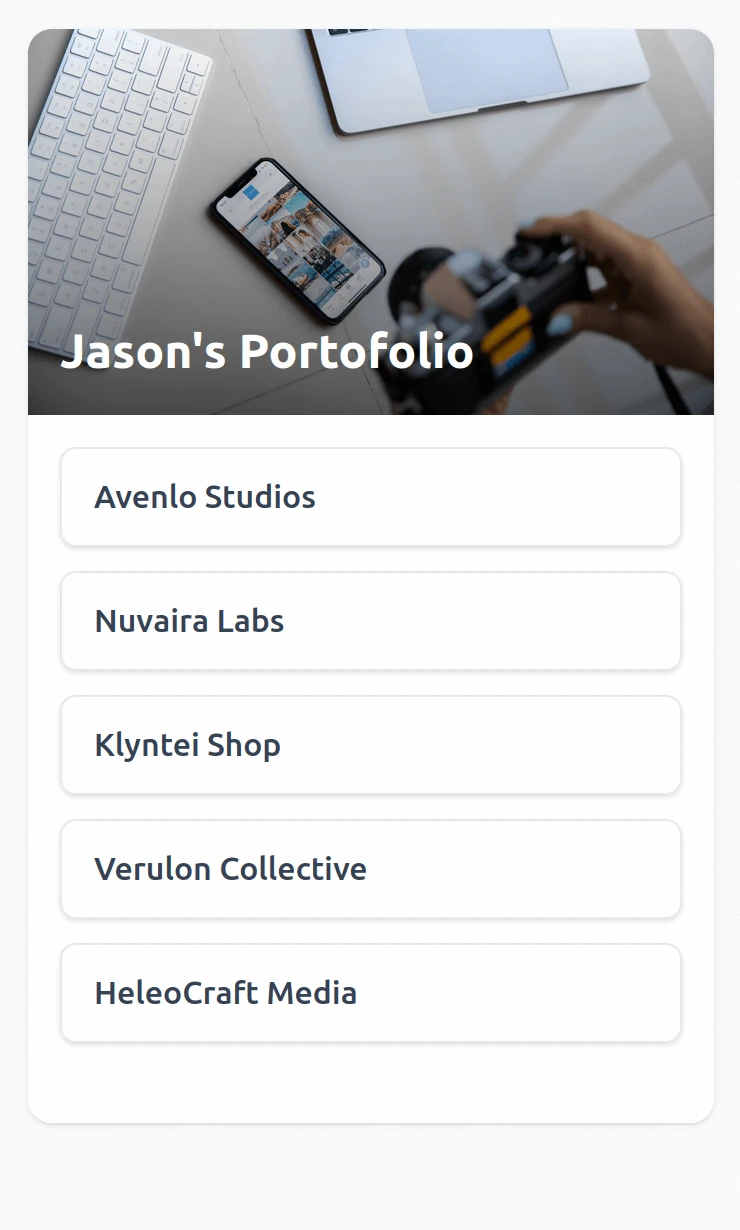
Showcase photos in a beautiful, scannable gallery.
Photo Gallery QR codes create stunning hosted galleries where you can upload and organize images for any purpose. Perfect for real estate listings, portfolios, event albums, or product showcases: one scan gives your audience an immersive visual experience.